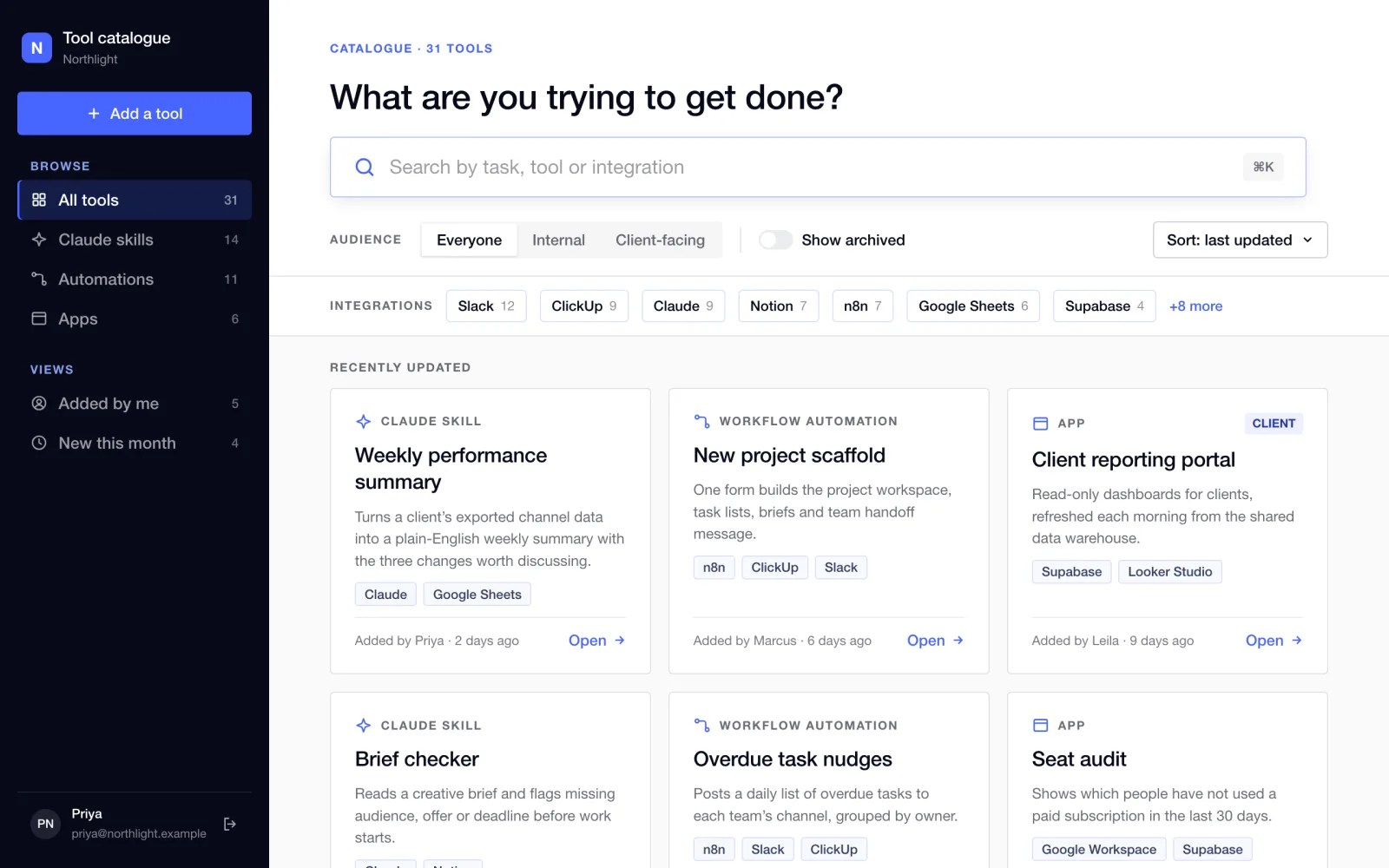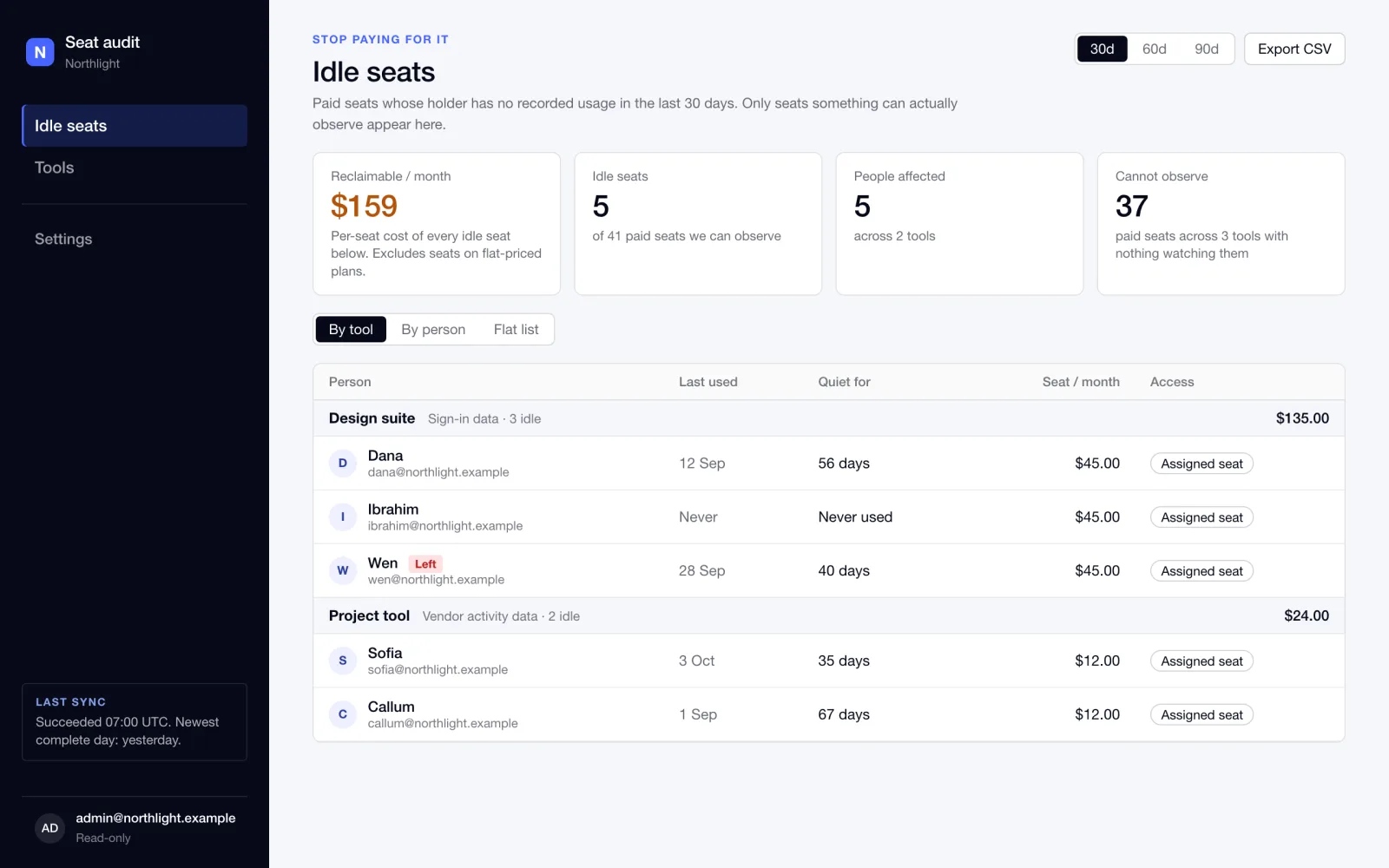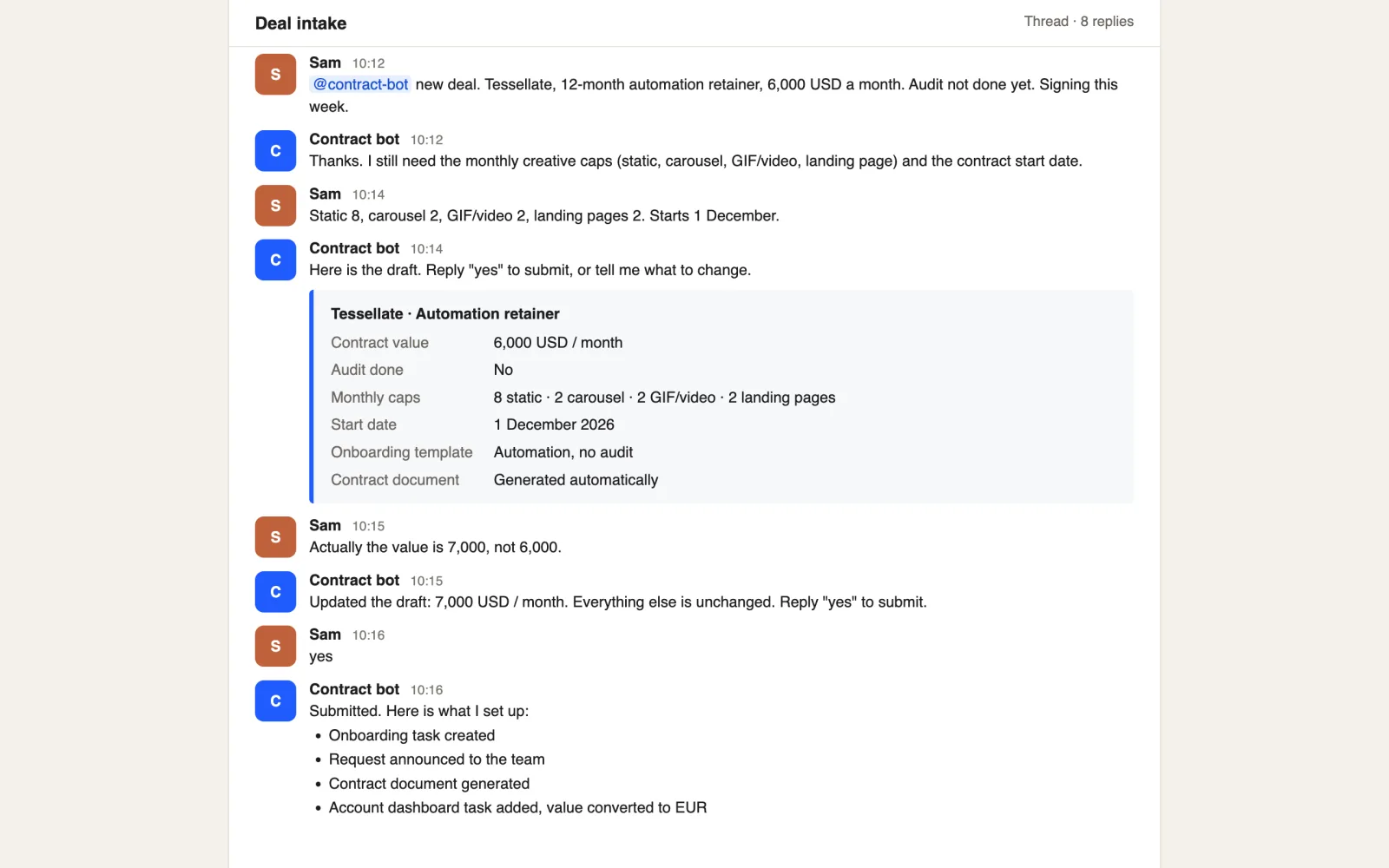
A salesperson describes the deal in a chat thread. The contract request builds itself.
5set-up steps from one “yes”
9simulated scenarios passed, plus a live run
A client portal and an internal console share one database and sync both ways with ClickUp. Clients submit requests and follow progress without being given access to the team's project tool.
The delivery team ran every project in ClickUp. That is the right place for the team, but it is not something to hand to a client: it shows internal tasks, owners and notes. Clients still need to submit requests, see what is in progress, know when work will land and approve what comes back.
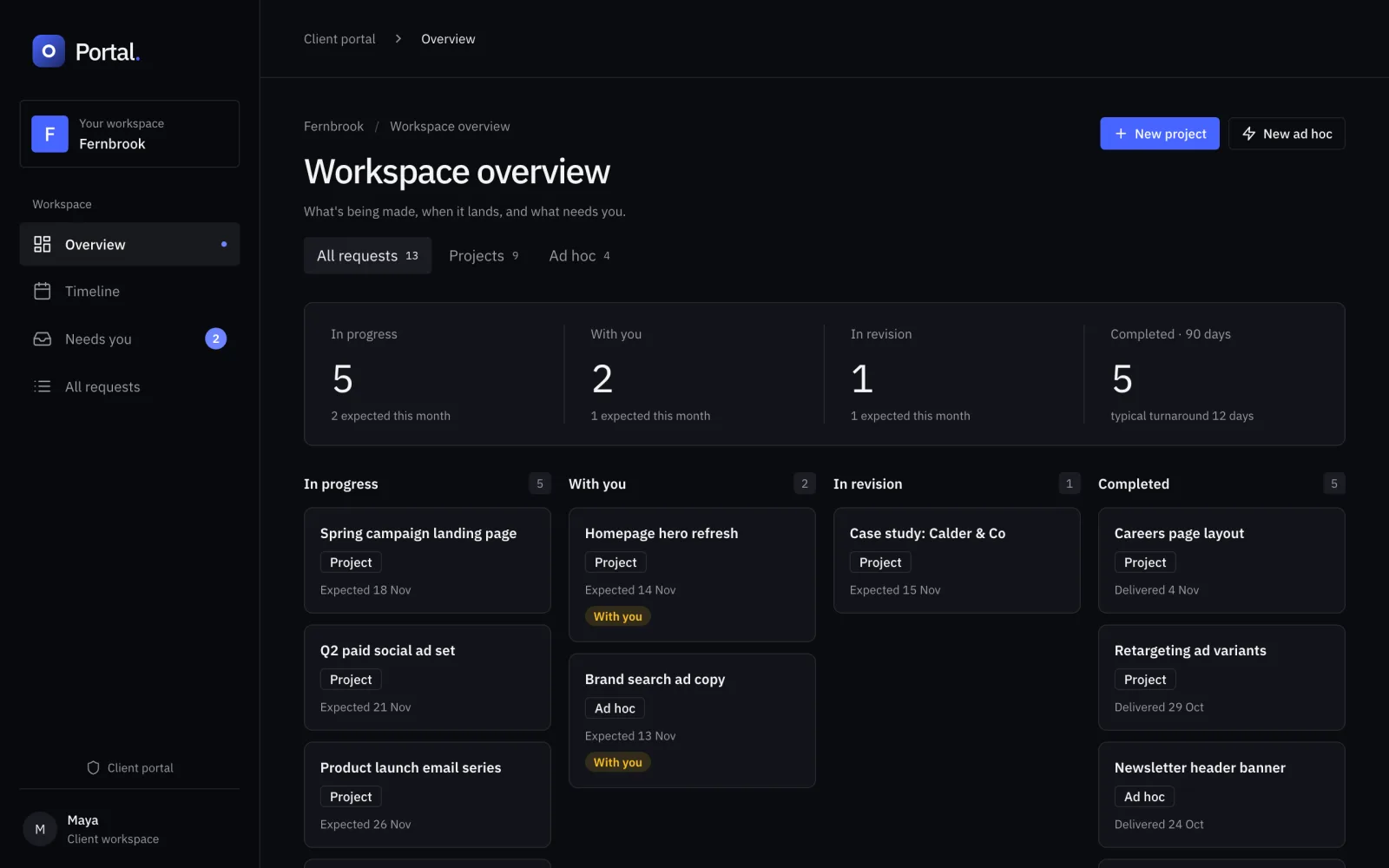
Yash built two interfaces on one codebase. The client portal is dark and shows a status board, a timeline, a "needs you" list and request forms. The internal console is light and is where the team sets up each client workspace, forms and templates, and sees every request with its sync state.
A new request creates the matching task tree in ClickUp. Status and due-date changes in ClickUp flow back through a webhook. Clients see a coarse status and an expected date, not internal task names.
| Area | Before | After |
|---|---|---|
| Client visibility | Status lived in a tool the client could not use | A portal with a status board, timeline and "needs you" list |
| New requests | Typed into ClickUp by hand | Submitted through a form; the task tree is created in ClickUp |
| Team view | One list per client in ClickUp | One console across clients, with a sync state on every request |
| What clients see | Whatever ClickUp showed | Coarse status and expected date only; internal tasks and fields are hidden |
The value is in client trust and in team time spent answering status questions, but no time saving has been measured, so none is claimed. The portal has been deployed and used by internal reviewers, who fed back a round of fixes that were built from their notes.
This is in pilot, not general release. A readiness audit in October listed open items, including an untested restore and rollback and a project-rule gap, and a November review round produced further fixes. It has not been signed off for all clients.
Each client workspace is isolated in the database, and 53 automated checks try to read across workspaces. Failed syncs to ClickUp are kept as queued operations and retried, with a Retry button for the team. A health endpoint and a scheduled sync back up the webhook. Changes were released against 57 database migrations, 27 scripted checks and nine browser test files.
Rebuilt screens with fictional data. Client names, people and requests are illustrative.
If clients keep asking for status because your delivery tool is not something they can see, a portal over the tool you already use can answer them without a second system of record.