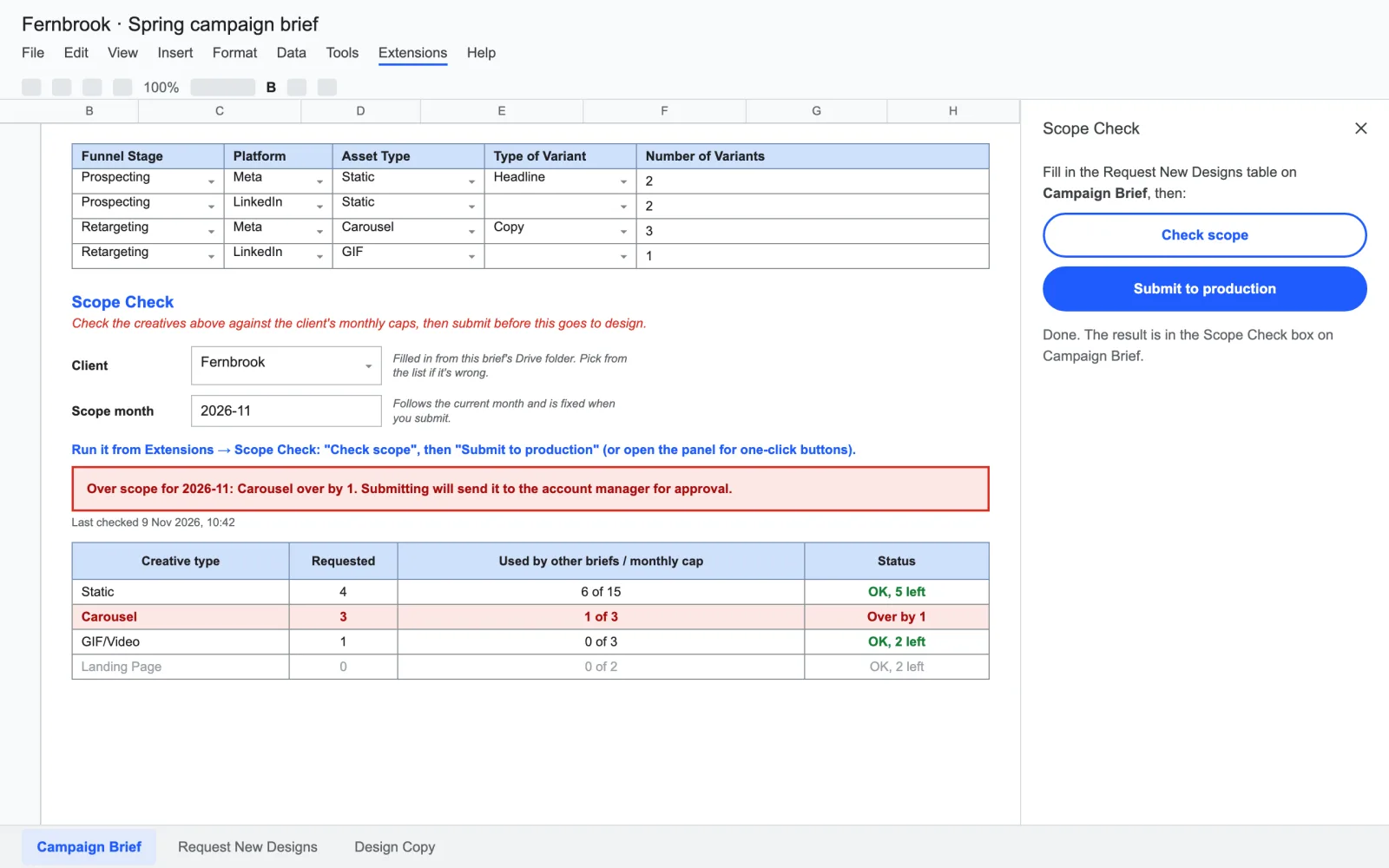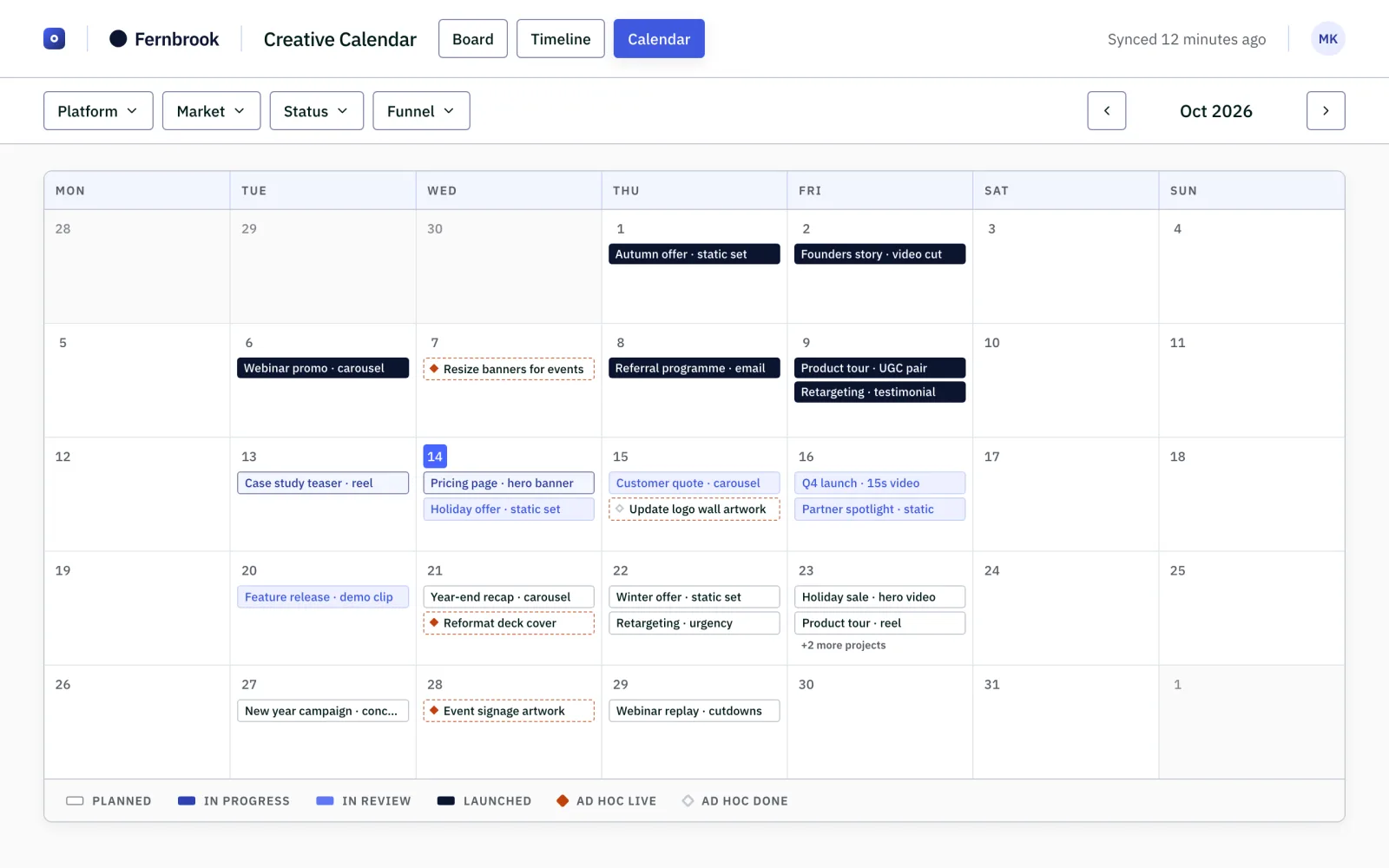
A client sees what is being made and when it lands, without asking.
3views of the same work: board, timeline, calendar
759automated tests, including one that checks nothing internal reaches the client
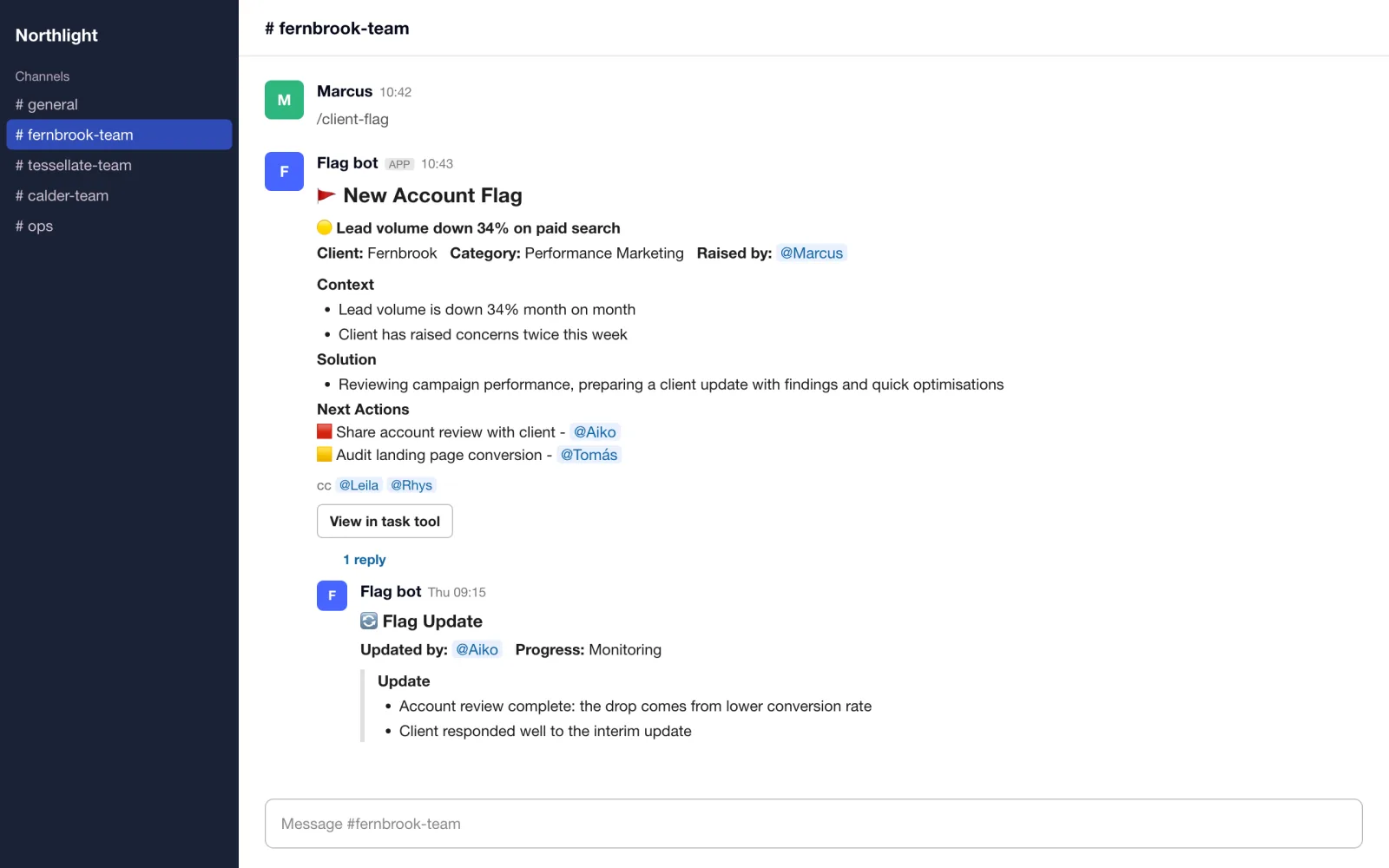
Client requests, time-off cover, data syncs, digests and follow-ups run automatically, with error handlers and a watchdog that flag failed or missing runs.
A project request arrives. A contract is signed. Someone goes on leave. A client needs attention. Each event starts a chain of small jobs across forms, project tools and Slack. When those handoffs depend on people remembering every step, work stalls quietly.
Yash leads design, implementation and handover across the automation estate. A 95-node project-request workflow handles Typeform intake and ClickUp scaffolding. Other workflows cover ETL, client lifecycle, team allocation, triage and reporting. Zapier handles selected triggers and hands richer logic to n8n; its 59 live Zaps belong to the agency’s shared workspace.
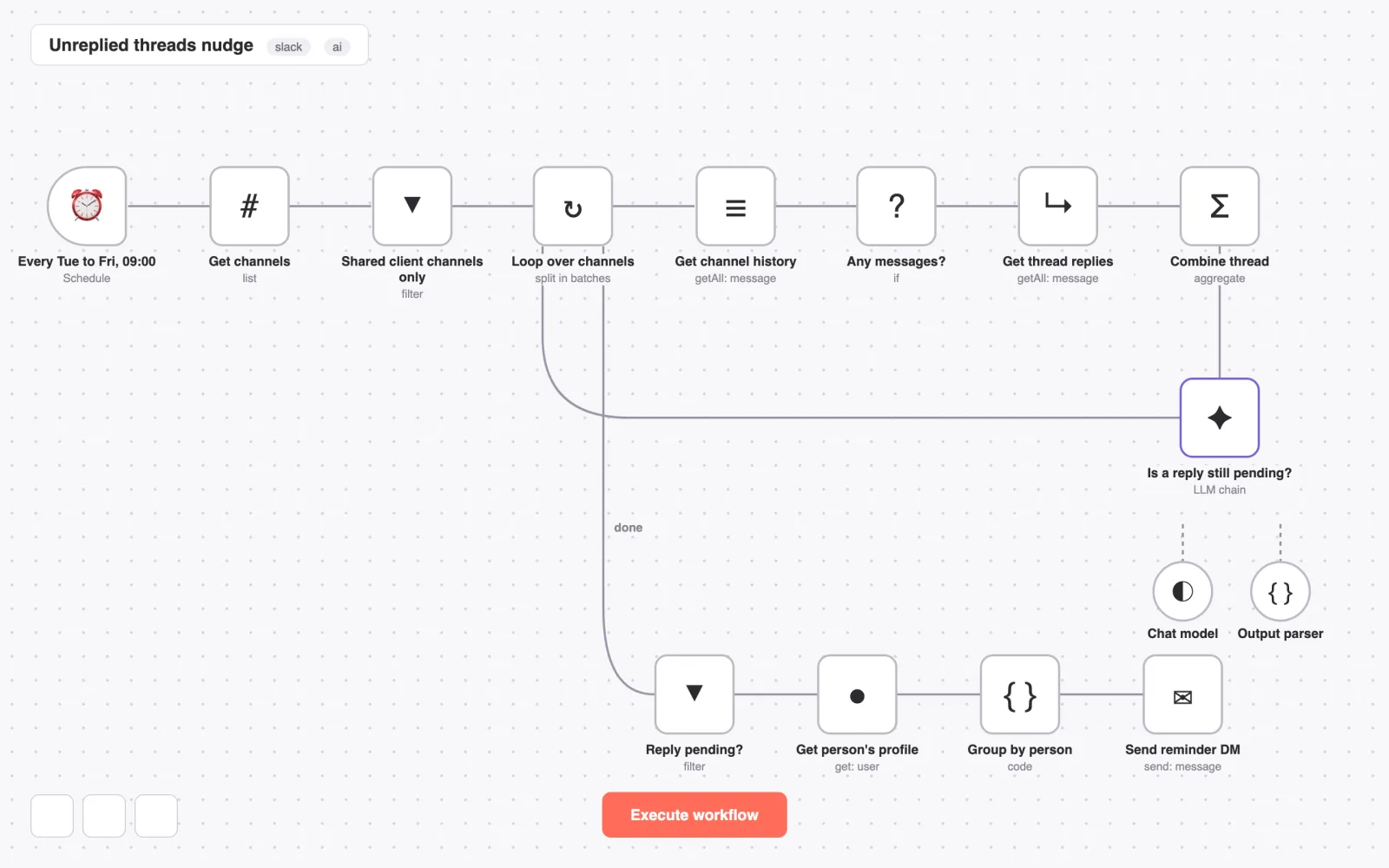
One example is a reply-chaser. On four mornings a week it scans the shared client channels in Slack, asks an AI model whether each thread still waits on someone, and sends one reminder per person with the threads they owe.
| Area | Before | After |
|---|---|---|
| Client requests | Manual setup across tools | A connected, 95-node intake workflow |
| Operational data | Separate systems to reconcile | Pipelines into a shared warehouse |
| Workflow failures | A missing update someone notices | Error handlers and scheduled-run checks |
The n8n estate contains 110 workflows, 48 active, with 1,875 nodes excluding sticky notes. The agency’s shared Zapier workspace has 59 live Zaps.
48 of 110 n8n workflows are active, covering intake, time-off cover, data syncs, digests and reliability checks. Hours per process were not tracked, so no total saving is claimed; use the savings calculator with your own volumes.
Automation should be observable, not just automatic. The intake workflow evolved through multiple major versions, with a separate development-stage copy for iteration. Error handlers and a “did it actually run?” watchdog are part of the system, not a maintenance afterthought.
Rebuilt canvas of one example workflow, with neutral labels. Channel and workspace details are withheld.
If every new client, request or team change starts a checklist of manual jobs, there is a workflow here worth simplifying.