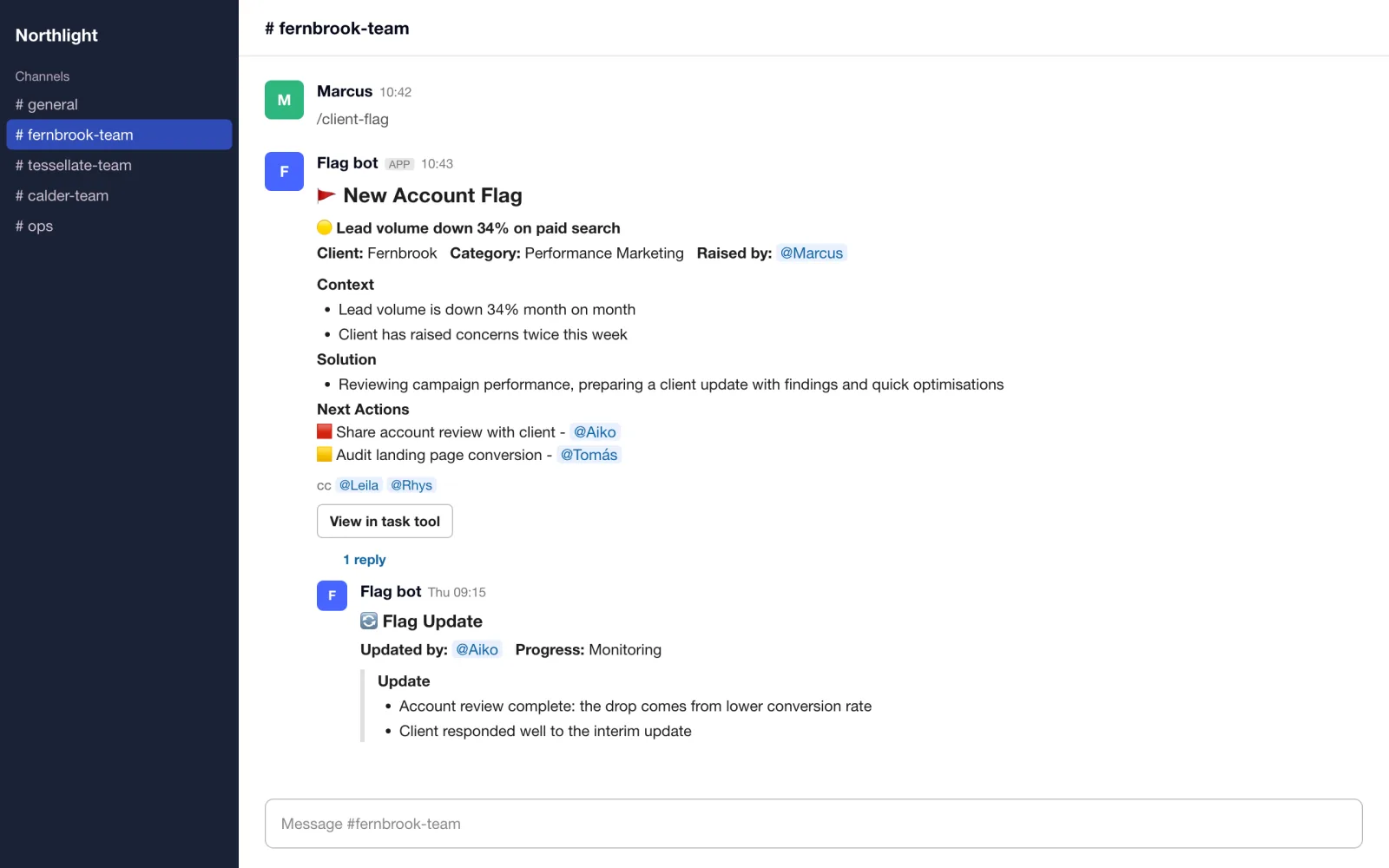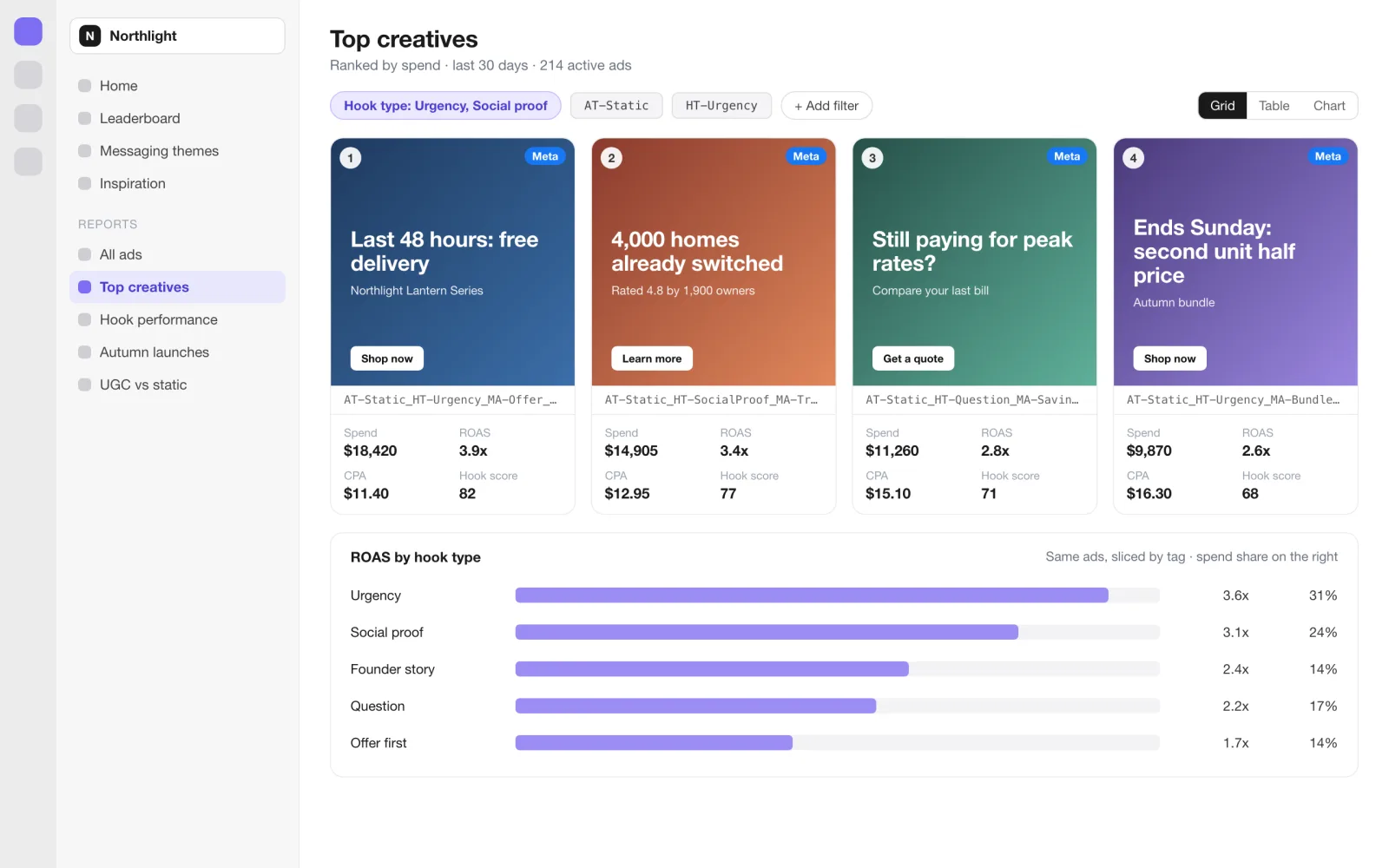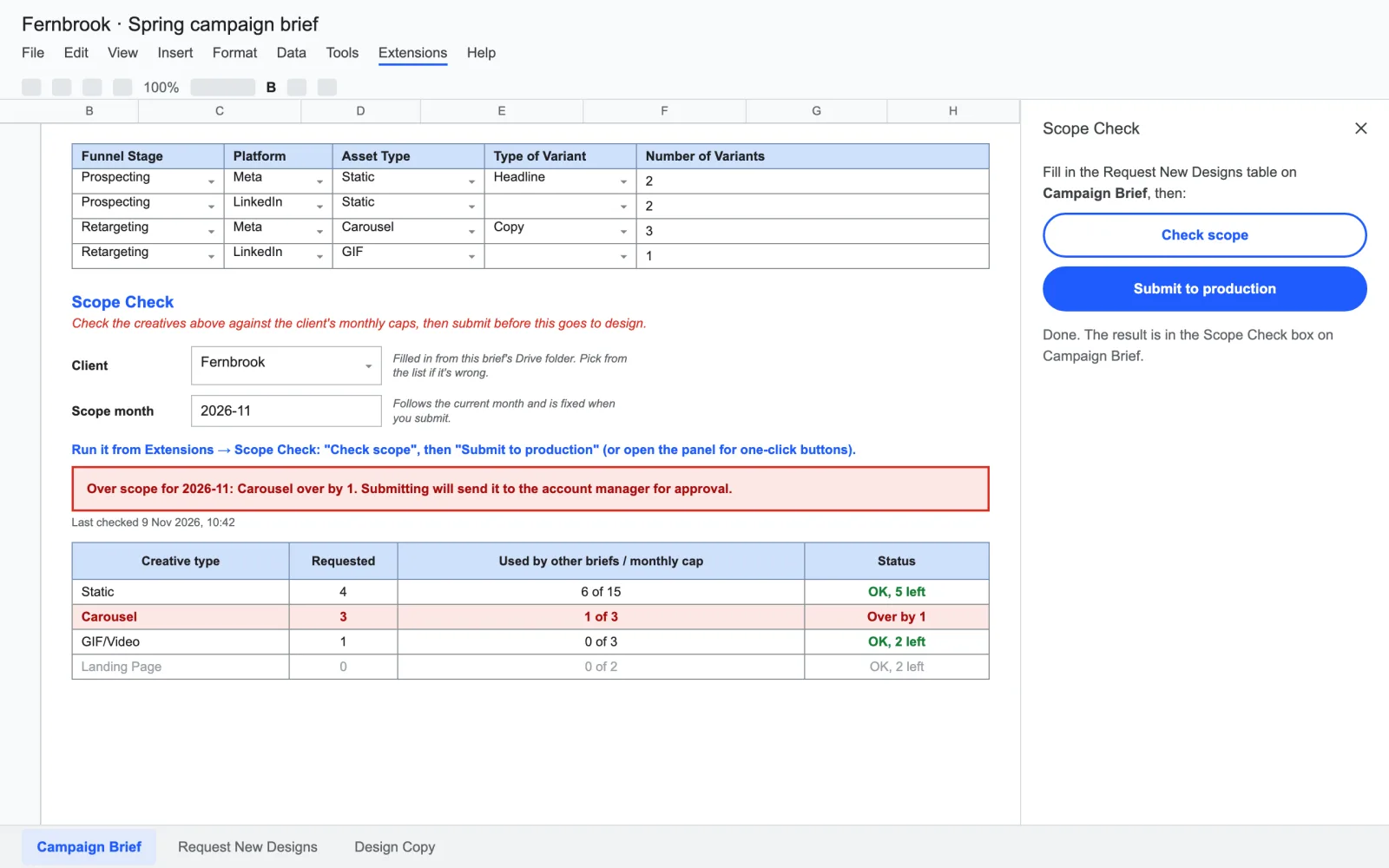
A brief is checked against the client’s monthly creative cap before it reaches design.
5creative types checked against caps
50adversarial checks, 47 passing
A read-only dashboard syncs creative production work from ClickUp and shows it to a B2B software client as a board, a timeline and a calendar.
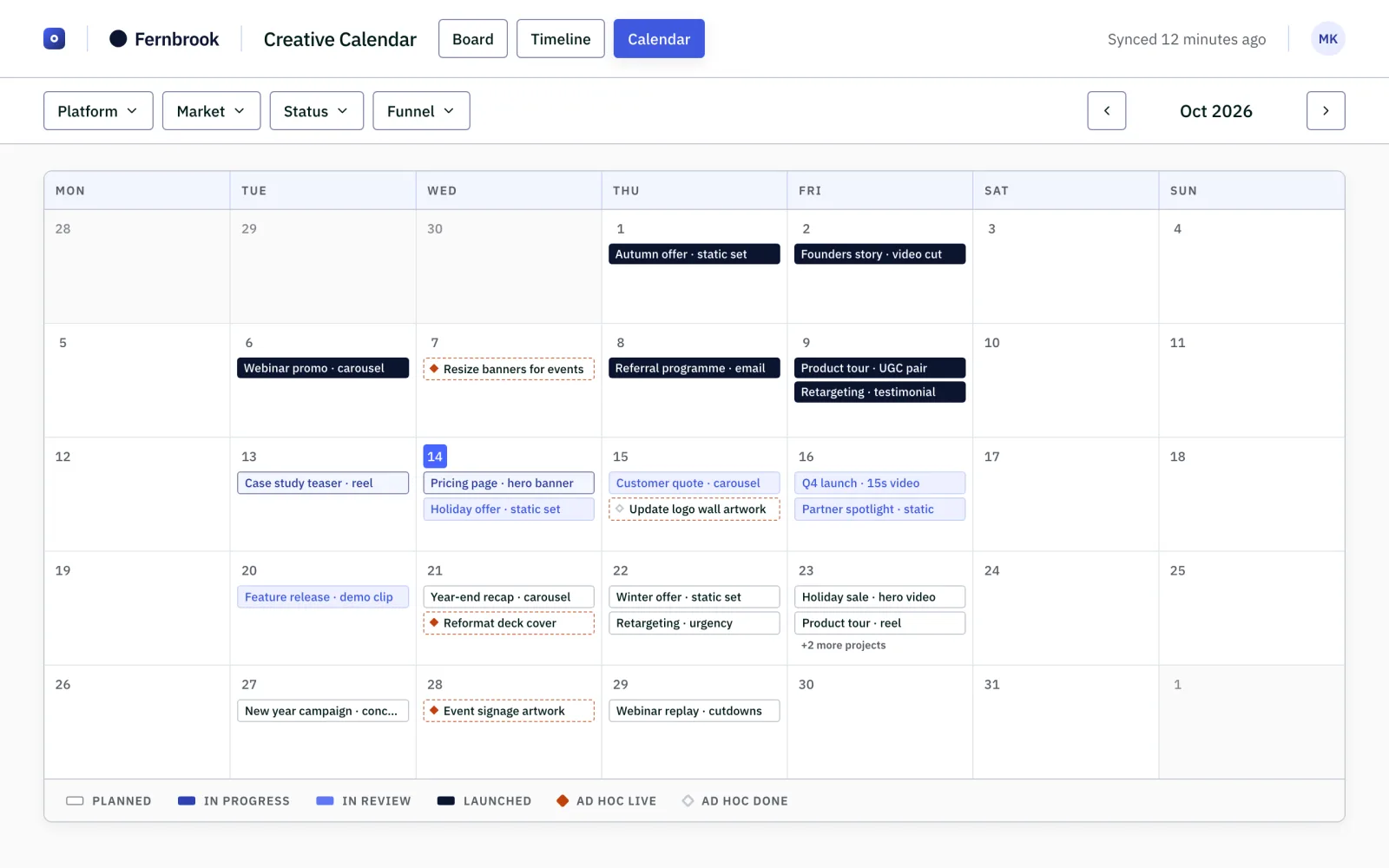
A client running paid campaigns wants to know what creative is in production, when each piece lands and what needs their feedback. The answers lived in ClickUp, alongside the agency's own internal work, so they came through messages and status calls.
Yash built a read-only dashboard that pulls creative work from two ClickUp lists and presents it in three views: a board by stage, a timeline and a month calendar. Filters for platform, market and funnel stage live in the web address, so a filtered view can be shared as a link.
A task counts as a client project only if it carries a template-type field. Everything else is the agency's internal work and never reaches the client.
| Area | Before | After |
|---|---|---|
| Status updates | Asked for and answered in messages and calls | A live board, timeline and calendar the client can open |
| Internal work | Mixed in with client work in ClickUp | Excluded by an exact rule, not by name matching |
| Delays | Explained case by case | Neutral wording such as "waiting on your feedback", without naming a role or reason |
| Freshness | Whenever someone updated a message | Synced daily, plus a button for the team to refresh on demand |
The client can answer "what is coming and when" without asking. No time saving has been measured, so none is claimed. The first version was committed over four days, in 42 commits.
The value is fewer status questions and a clearer view for the client, not a measured number of hours. The most useful number is the boundary: the build keeps internal work, internal links, agency email addresses and raw delay reasons off the client's screens.
A guard test serialises everything a client view can read and fails if an email address, internal link or raw delay phrase appears. A lint rule stops client components importing the internal delay data at all. An earlier name-based filter leaked 15 internal tasks onto the client board; it was replaced by the exact field rule, which matched all 38 client projects and 17 internal tasks on the live workspace with no false positives. 759 tests pass across 38 files.
Rebuilt screen with fictional data. The client, concepts and dates are illustrative.
If a client needs a live, safe view of work that sits in your own tool alongside internal tasks, a read-only dashboard with an exact boundary can replace the status calls.