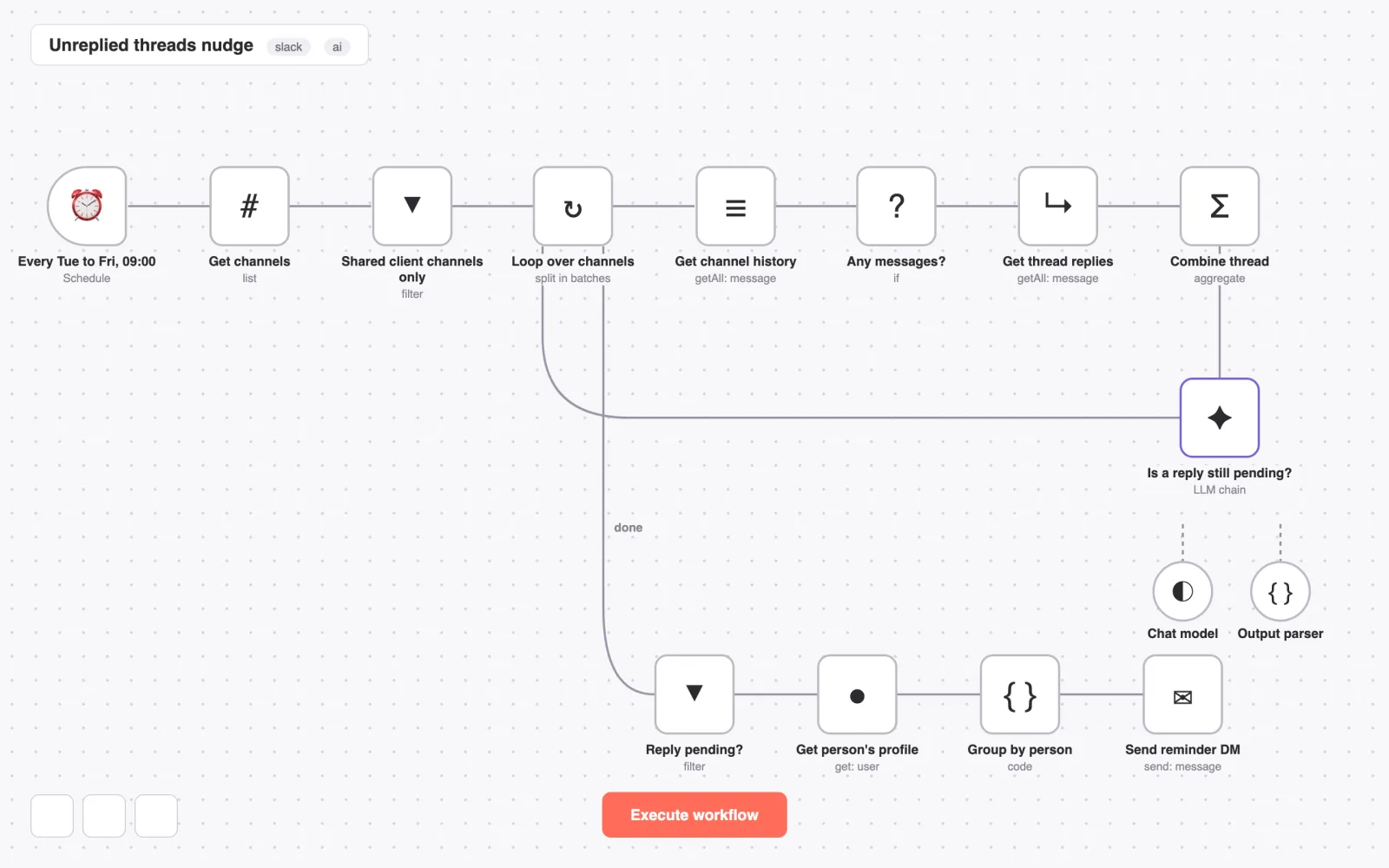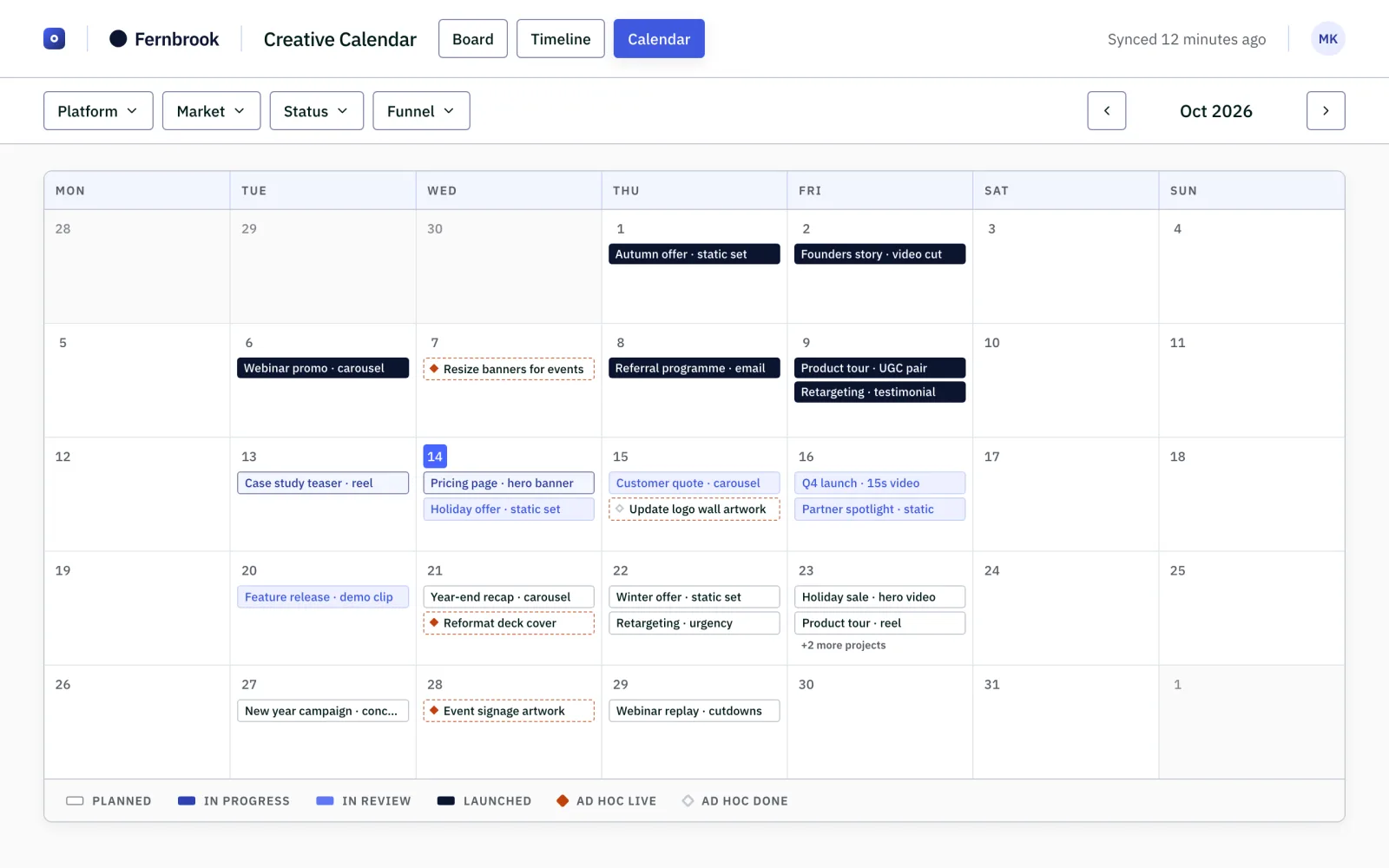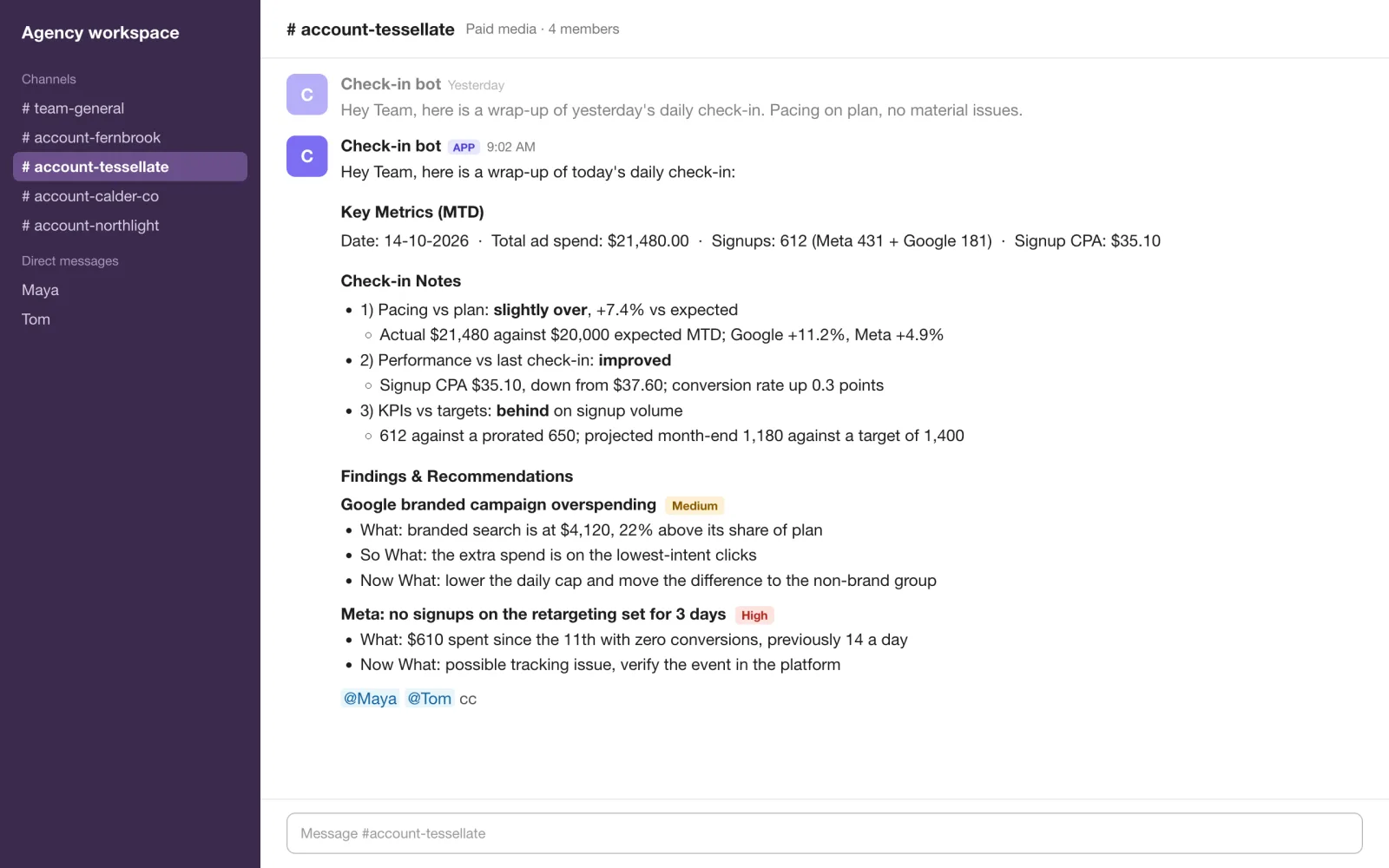
The daily account checklist, run by an agent whenever the team asks for it.
18checks in the agent's catalogue
3ad platforms covered
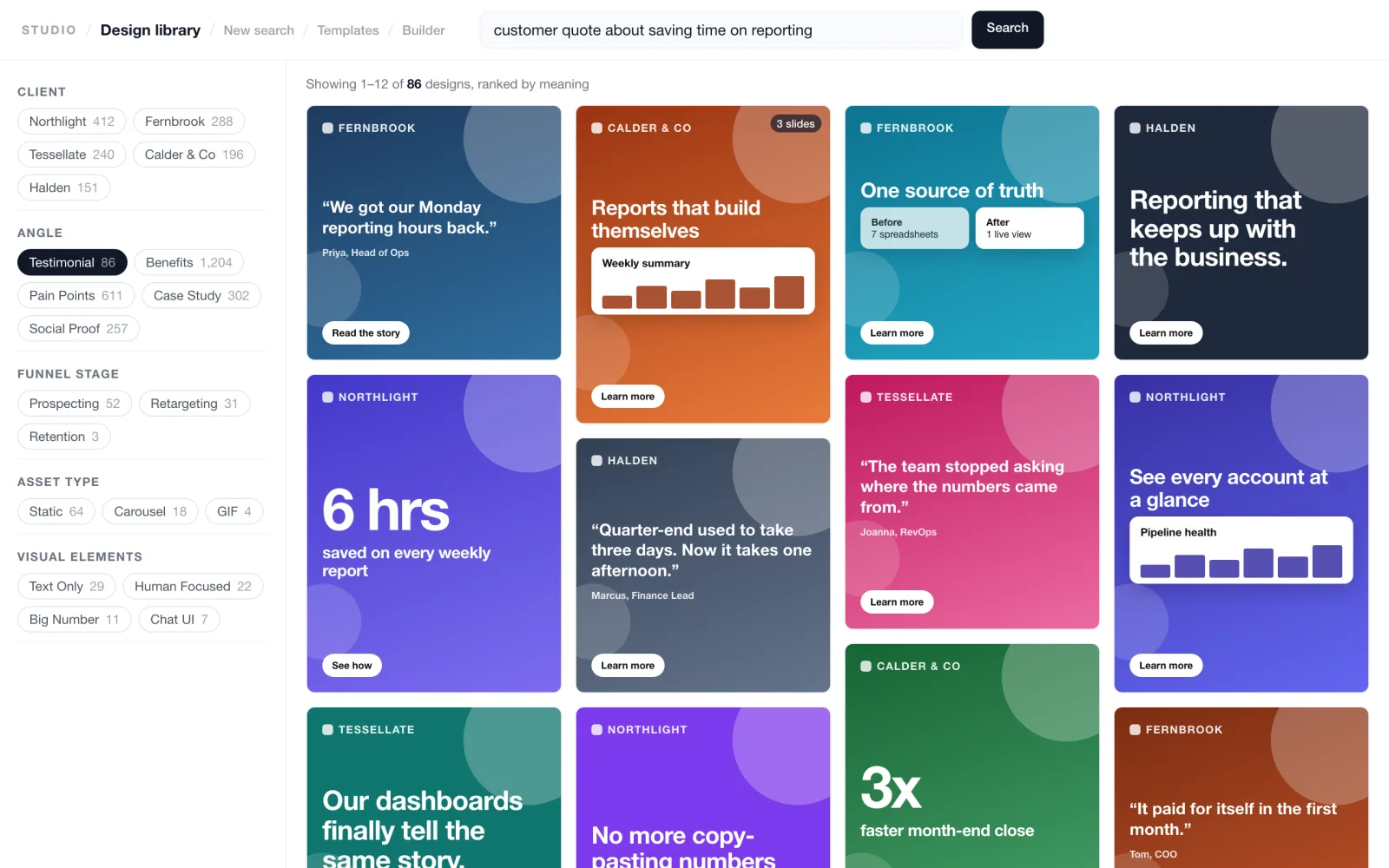
Designers search the agency's archive by idea, angle or format and jump to the Figma source, instead of an afternoon of digging through shared drives.
Past creative lived across 129 client folders in a shared drive, behind a filename convention that was not always followed. Designers could browse files, but they could not search by idea, messaging angle or visual concept. Useful work was hard to find, so it was rarely reused.
Yash built a resumable migration pipeline that copies files from the drive into cloud storage and records each design in a database. A five-step AI tagging run then adds visual elements, the messaging angle, the copy in the image, a plain description and a check on whether each file is really an ad.
The gallery search turns a plain-English query into an embedding and ranks designs by meaning, with structured filters on top. A Search in Figma button takes designers to the source file. The same search is also open to AI assistants through a connector with seven tools.
| Area | Before | After |
|---|---|---|
| Finding references | Browse folders and guess filenames | Describe the idea and apply filters |
| Asset context | Inconsistent naming | Angle, visual elements, copy and description on every design |
| Reusing work | Find the file, then hunt for its source | Search in Figma from the design itself |
| Starting new work | Collect references by hand | Pick references, then generate variants in the builder |
129 client folders became one searchable archive of 21,065 designs. Tagging, review and sync run as separate steps, so the catalogue stays maintainable as new work arrives from the shared drive.
The outcome is a searchable, reusable archive. Search time and reuse rates were not measured. The design count is from the project's own notes (October 2026).
The filename parser takes what it can and flags uncertainty instead of guessing. Designers can edit tags by hand, and those edits are marked manual so the AI does not overwrite them. Embeddings carry a content hash, so unchanged designs are skipped when the library is re-embedded. A per-client consent flag controls which work may appear on public showcase pages, and new clients start private.
Interface mock-ups use fictional brands and ad copy. The real library holds client work and is internal only.
If your best previous work is buried in folders, semantic search can turn that archive into an everyday working tool.