What 29 AI-assisted design tasks taught a team, written down as one playbook.
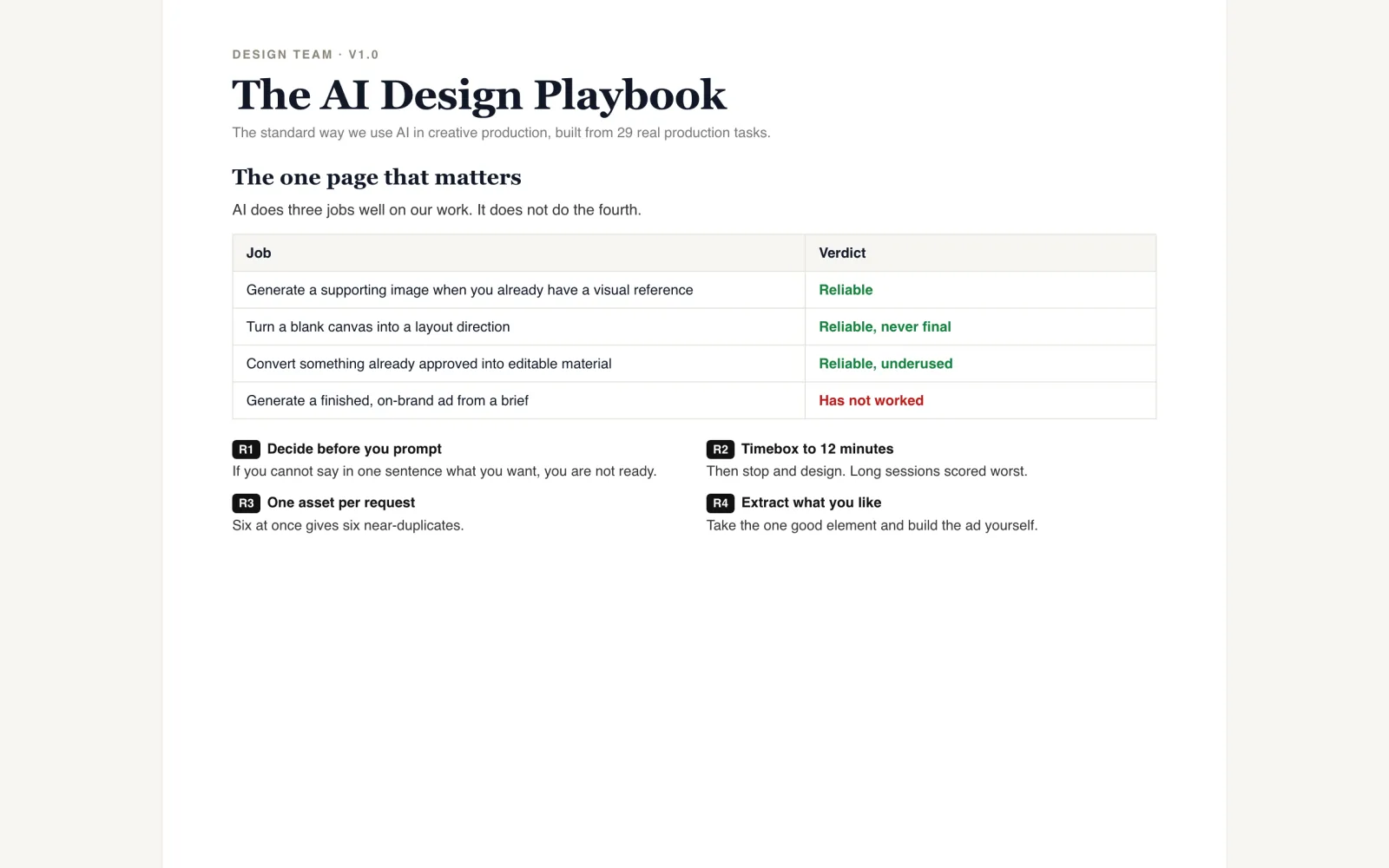
29tagged production tasks reviewed
4plays, each with an exit point
Two prototype Figma plugins rebuild a flattened PNG or JPG as live text, shapes and cut-out images, so designers stop redrawing an ad just to change a headline.
Designers often receive an ad, or generate one with AI, as a single flat image. Changing a headline, resizing for another placement or reusing the product card means redrawing it from scratch in Figma. That rework is slow and repetitive.
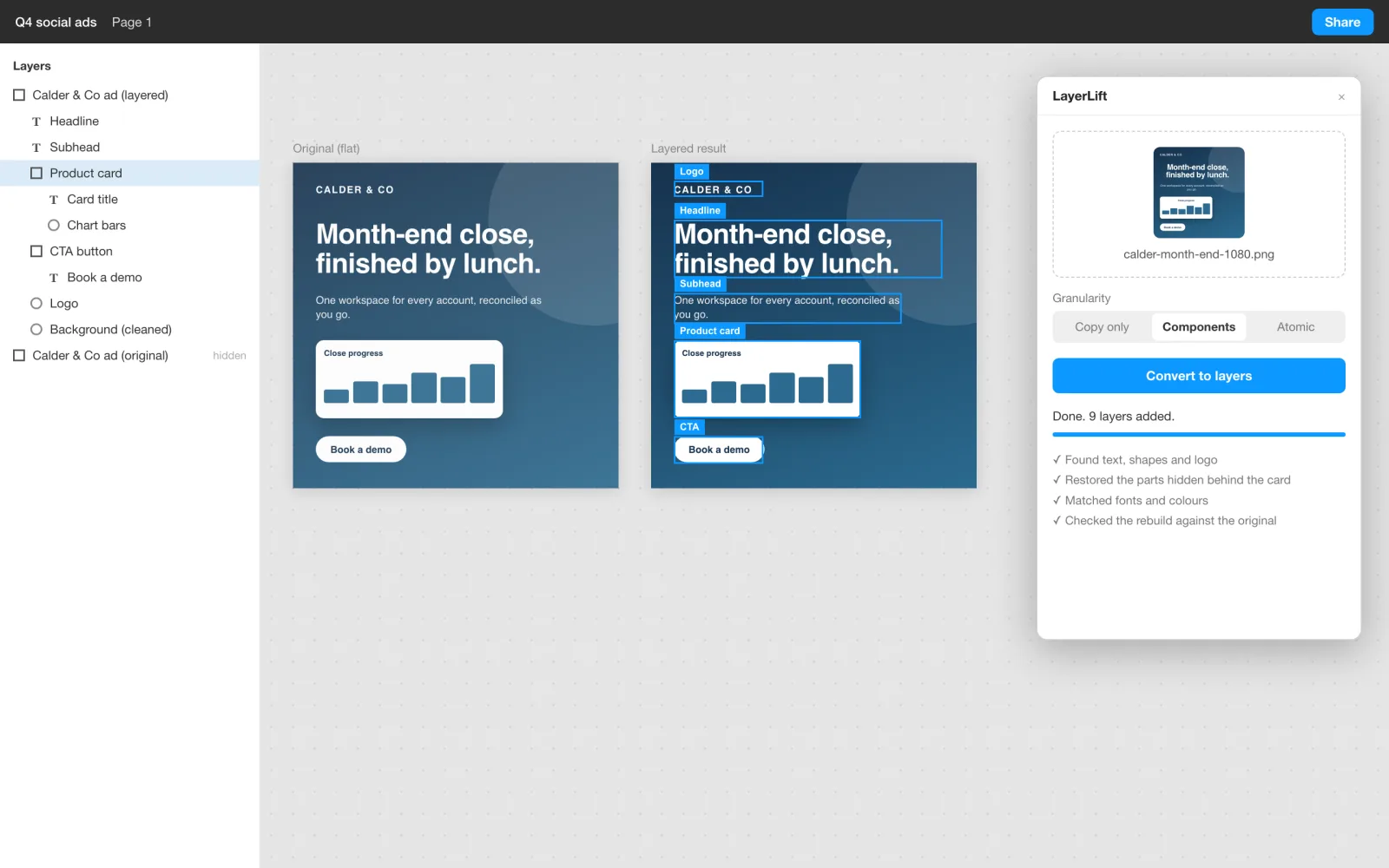
Yash built two plugins. LayerLift uploads an image to a small backend. AI models find the text, shapes and logos, redraw anything hidden behind another element, and the plugin builds native Figma layers. Designers choose how far to split it: copy only, components, or every element on its own.
Relayer is the earlier, hands-on version. It rebuilds a frame from a layer description file plus a cleaned background, with the analysis done outside Figma. It was tested on a carousel panel and produced 21 layers.
| Area | Before | After |
|---|---|---|
| A flat ad needs a new headline | Redraw the ad from scratch | Edit live text on a rebuilt layer |
| Hidden parts of a design | Lost behind the layer on top | Redrawn so each layer is whole |
| Checking the result | Eyeball it | The rebuild is rendered and compared with the original |
LayerLift takes roughly one to two minutes per image, according to the install notes handed to the team. It scored about 81% layer recall and 87% precision on 16 test designs in an August 2026 run, with 76% of text matched exactly.
This is a prototype. No time saved or adoption figures were measured. Font family matched only 43% of the time in that run, so designers still swap in brand fonts. The scores come from a single non-deterministic run and later changes were not re-scored.
Every model response is validated before it reaches Figma, and malformed layers are dropped rather than passed on. The rebuilt design is rendered back to a flat image and compared with the source, then repaired where it falls short. An accuracy harness scores the pipeline against real layered designs, so changes can be judged by numbers. The plugin works without any model through an offline mock backend.
Mock-ups use a fictional ad and brand. Both plugins are development builds loaded from a manifest, not published to the Figma community.
If your team keeps redrawing flattened or AI-generated creative, a layering step can hand designers editable files instead of pictures.